
Documentation Index
Fetch the complete documentation index at: https://docs.monk.com/llms.txt
Use this file to discover all available pages before exploring further.
Create your first Contract
This guide walks you through creating a contract to subscribe a customer to a plan.What are contracts? Contracts are the active billing relationships between
customers and plans. Learn more about contracts →
Prerequisites
- A Monk account with dashboard access
- At least one plan created
- A customer in Monk
Steps
1. Navigate to the Customer
- Open your Monk dashboard
- Click Customers in the navigation
- Select the customer (or create one first)
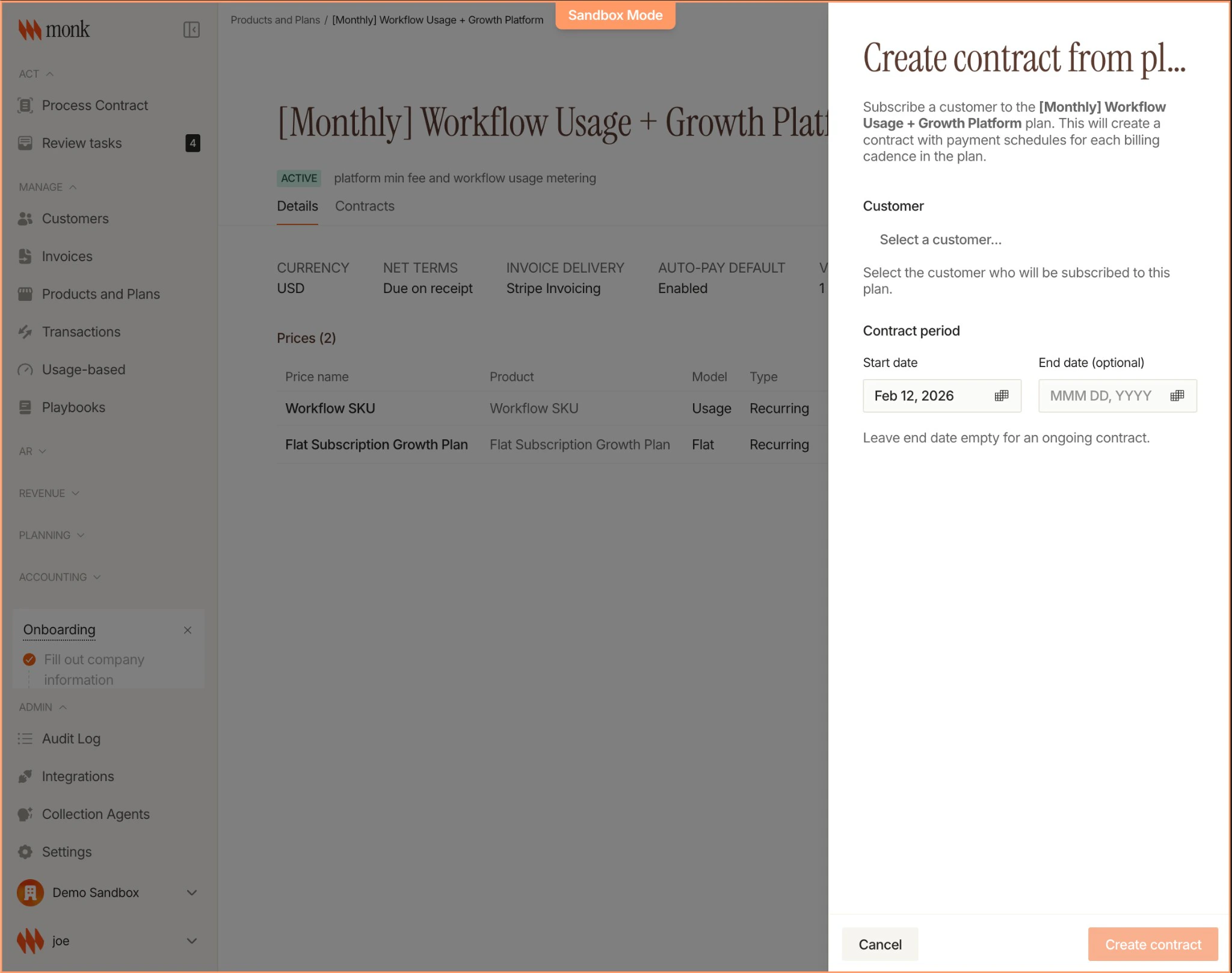
2. Create the Contract
Click Create Contract and configure:| Field | Value | Notes |
|---|---|---|
| Plan | Pro | Select from your plans |
| Start Date | Today | When billing begins |
| End Date | (Leave empty) | Optional for fixed-term contracts |
3. Review Auto-Pay
If the plan is Net 0 (due on receipt), you’ll see the auto-pay toggle:- Enabled: Customer charged automatically when invoice is due
- Disabled: Customer pays manually
4. Create
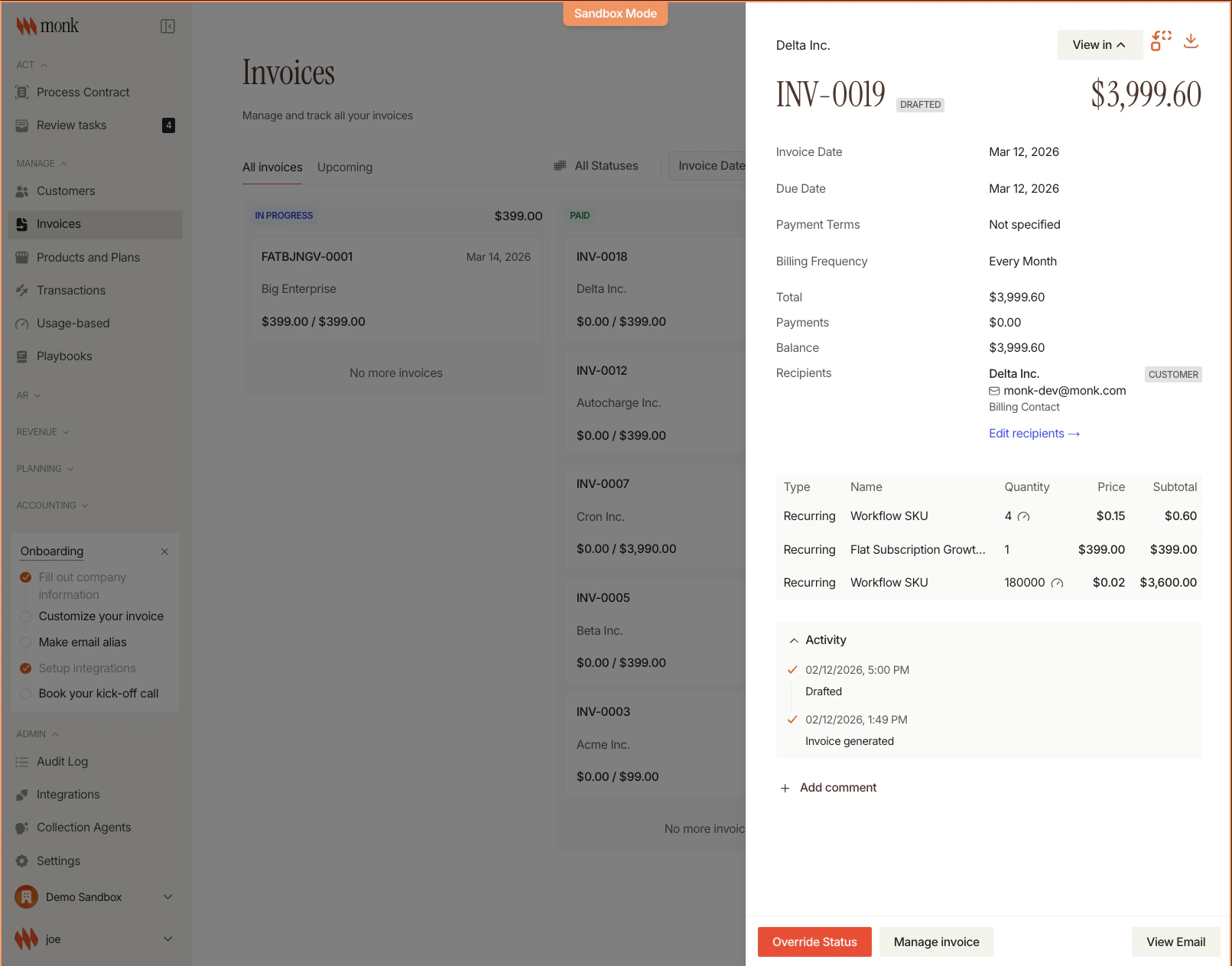
Click Create. Monk immediately:- Creates the contract
- Generates invoices for upcoming billing periods
- Sets up line items based on the plan
5. Verify
View the contract details: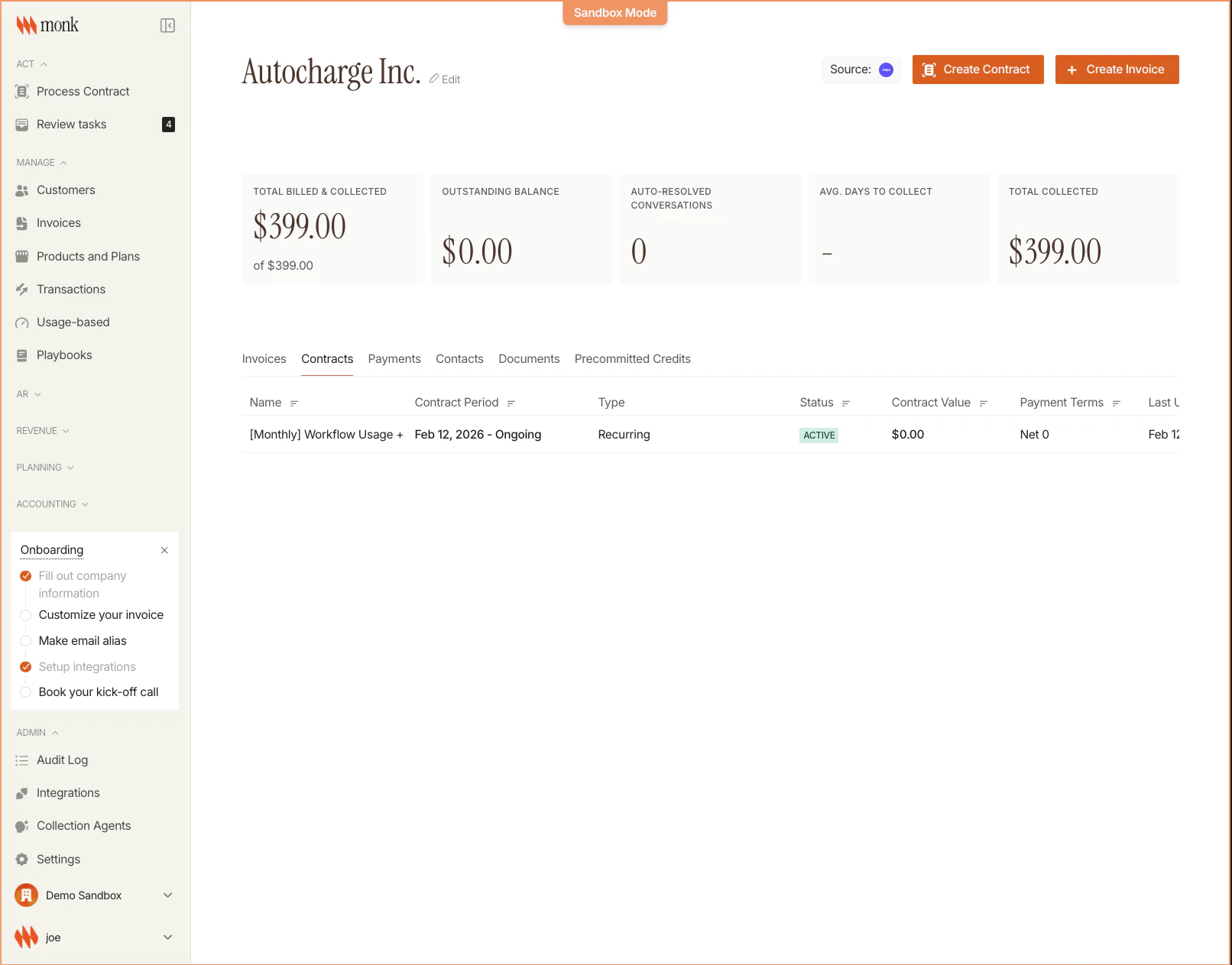
Creating via API
Next Steps
Contracts Concepts
Learn about contract lifecycle and billing cycles
Send Events
Start tracking usage