
Documentation Index
Fetch the complete documentation index at: https://docs.monk.com/llms.txt
Use this file to discover all available pages before exploring further.
Create your first Meter
This guide walks you through creating your first meter in Monk.What are meters? Meters define how usage events are aggregated for
billing. Learn more about meters →
Prerequisites
- A Monk account with dashboard access
Steps
1. Navigate to Meters
- Open your Monk dashboard
- Click Products in the navigation
- Select Meters
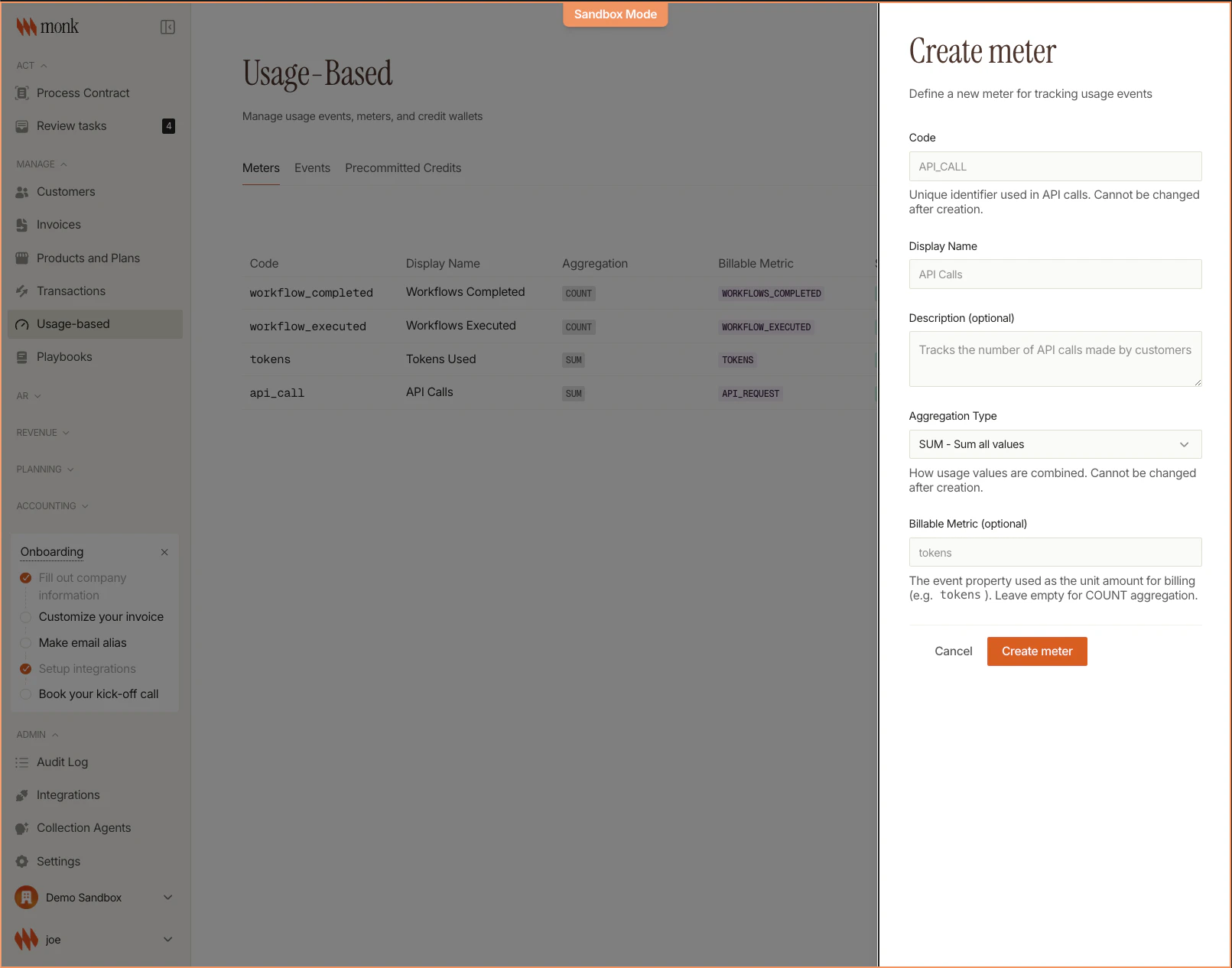
2. Create the Meter
Click Create Meter and fill in the form:| Field | Example Value | Description |
|---|---|---|
| Code | API_CALL | Unique identifier (UPPER_SNAKE) |
| Event Name | call_count | Which events this meter counts |
| Display Name | API Calls | Human-readable name |
| Aggregation | Count | How events are combined |
3. Save
Click Save. Your meter is now ready to use in pricing.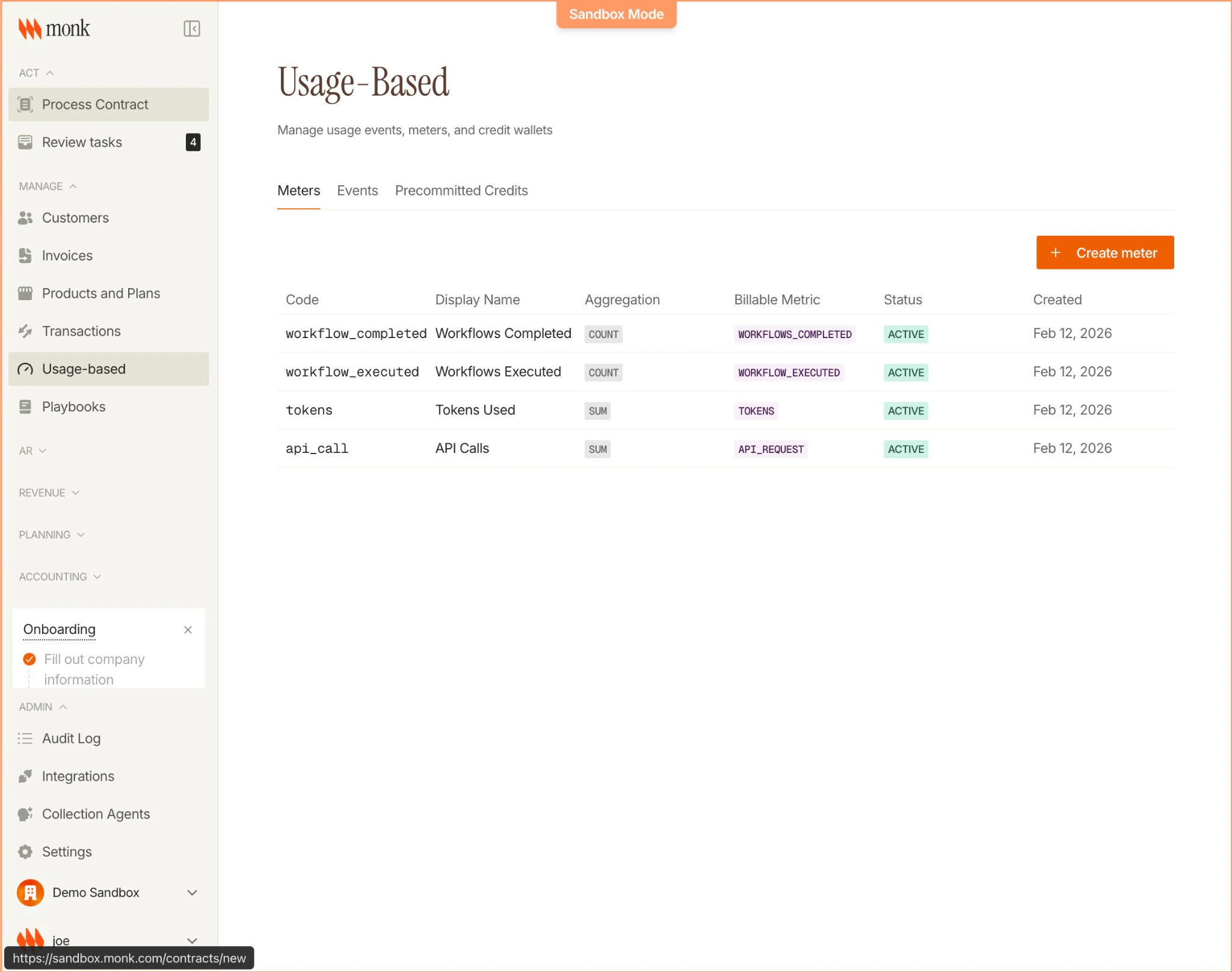
Common Meter Examples
| Use Case | Code | Event Name | Aggregation |
|---|---|---|---|
| API calls | API_CALL | call_count | Count |
| AI tokens | AI_TOKENS | token_usage | Sum |
| Storage | STORAGE_GB | storage_check | Max |
| Users | ACTIVE_USERS | user_activity | Unique |
Next Steps
Meters Concepts
Learn about aggregation types and design patterns
Create a Plan
Add pricing to your meter